How to open a bank account in GTA 6
In GTA 6 your bank is the BuckMe phone app, and you cannot open it whenever you like. These steps show when it opens, how to get cash into it, and the rules that decide what you keep.
Play to the Chapter 1 mission Buck Me
You get a bank account in the Chapter 1 story mission Buck Me. A call from Lucia starts it.
4 sources agree: PowerPyx: Buck Me walkthrough, eGamers: BuckMe guide, GameRiv: storing money before a bank account, games.gg: how to get a bank account. Checked 2026-11-27.
Visiting a bank or an ATM before that mission does not open an account.
1 source: games.gg: how to get a bank account.
Until then, keep spare cash in the stash under the bedroom floorboards at Jason's house in Key Lento.
3 sources agree: games.gg: how to get a bank account, GamesFuze: avoid losing money when you die, GameRiv: storing money before a bank account.
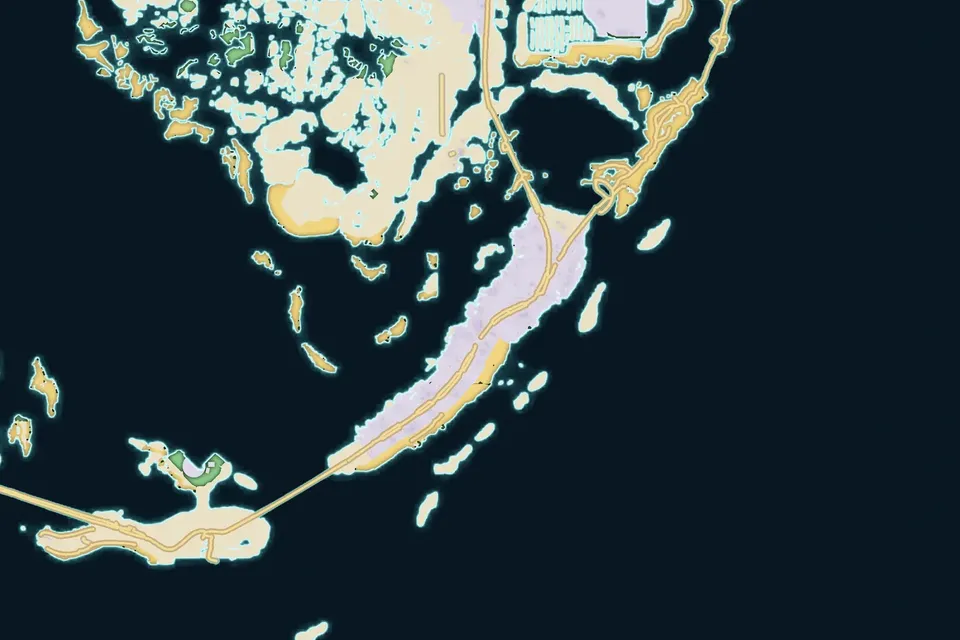
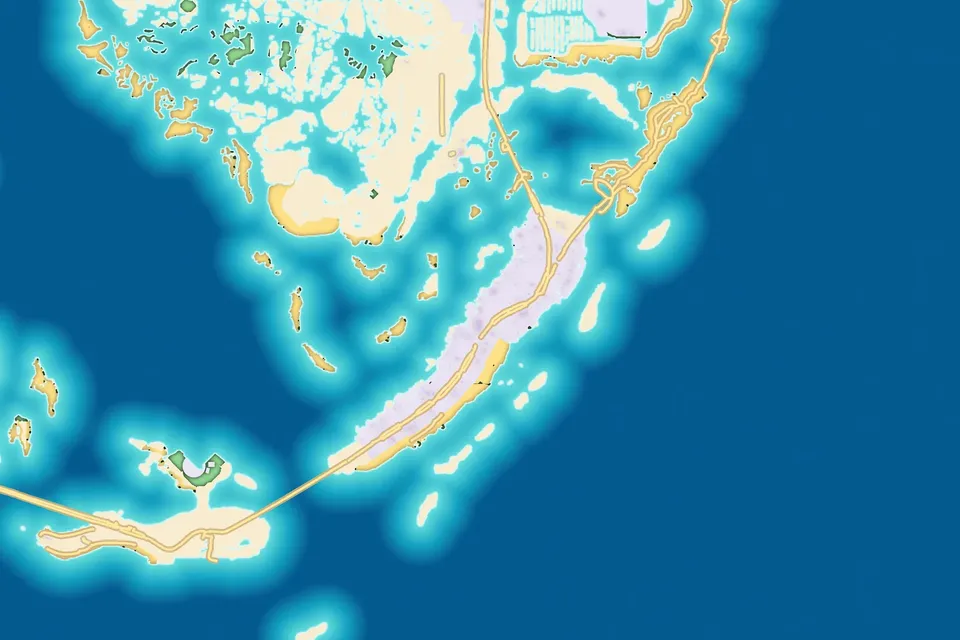
- Jason's House, Key Lento
- Fleeca - Key Lento, Key Lento
Map: Open GTA 6 Map tiles (CC BY 4.0), cropped by LeonidaKit. Open the full map
Talk to the teller, then the manager, at Fleeca in Key Lento
The mission takes you to the Fleeca bank in Key Lento. The teller sends you to the manager, who turns Jason down for a normal account because of his bad credit and offers the BuckMe app instead.
3 sources agree: PowerPyx: Buck Me walkthrough, eGamers: BuckMe guide, GameRiv: storing money before a bank account. Checked 2026-11-27.
BuckMe starts you off with $100 in Checking as a welcome gift.
3 sources agree: PowerPyx: Buck Me walkthrough, eGamers: BuckMe guide, GamerBlurb: how to get a bank account.
Open the BuckMe app on your phone
Press Up on the D-pad to take out the phone, then open BuckMe.
1 source: games.gg: how to get a bank account. Checked 2026-11-27.
The app has a purple B icon.
2 sources agree: PowerPyx: Buck Me walkthrough, eGamers: BuckMe guide.
Jason and Lucia each have their own Checking account. Family Savings is shared by both.
1 source: games.gg: how to get a bank account.
PS5
Xbox Series X|S
Deposit your cash at an ATM
Cash goes into Checking at an ATM. In the BuckMe app, pick ATM Finder, then Set Destination, to mark one on the map.
2 sources agree: PowerPyx: Buck Me walkthrough, GamerBlurb: how to get a bank account. Checked 2026-11-27.
The app cannot take cash. Cash only goes in at an ATM or a bank.
2 sources agree: games.gg: how to get a bank account, GamesFuze: avoid losing money when you die.
The ATM menu has Deposit, Withdraw and Transactions. ATMs show on the map as a hand holding a card.
1 source: games.gg: how to get a bank account.
2 sources agree: PowerPyx: Buck Me walkthrough, GamerBlurb: how to get a bank account.
Use Buck Yourself to move money into Family Savings
Buck Yourself in the BuckMe app moves money from Checking into Family Savings.
4 sources agree: games.gg: how to get a bank account, eGamers: BuckMe guide, PowerPyx: Buck Me walkthrough, GamerBlurb: how to get a bank account. Checked 2026-11-27.
You find it under Checking Account in the app.
1 source: PowerPyx: Buck Me walkthrough.
Money in Family Savings can never be taken out again, but it can never be lost either.
3 sources agree: eGamers: BuckMe guide, PowerPyx: Buck Me walkthrough, GamesFuze: avoid losing money when you die.
Know what you lose when you die or get arrested
When you are Wasted or Busted, you lose all the cash you carry.
2 sources agree: games.gg: how to get a bank account, GamesFuze: avoid losing money when you die. Checked 2026-11-27.
Dying also takes a smaller amount out of Checking.
4 sources agree: eGamers: BuckMe guide, PowerPyx: Buck Me walkthrough, GamesFuze: avoid losing money when you die, GameRiv: storing money before a bank account.
Anything over $1,000 has to be paid from your BuckMe account, because shops only take cash below that.
3 sources agree: games.gg: how to get a bank account, PowerPyx: Buck Me walkthrough, GamesFuze: avoid losing money when you die.
Raise your Checking limit with savings goals
When Checking is full, new payments are held until you spend or save enough to make room.
2 sources agree: games.gg: how to get a bank account, PowerPyx: Buck Me walkthrough. Checked 2026-11-27.
Saving $5,000 in Family Savings raises the Checking limit to $15,000. $10,000 raises it to $100,000, and $100,000 raises it to $500,000.
3 sources agree: GTA Base: Save for the Future, PowerPyx: Save for the Future, eGamers: BuckMe guide.
Each next savings goal only opens after more story progress.
3 sources agree: GTA Base: Save for the Future, PowerPyx: Save for the Future, games.gg: how to get a bank account.
Tips
You lose all the cash you carry into Recalibration and Tourist Trap, the last missions of Chapter 1, so have at least $5,000 in Family Savings before them.
1 source: GTA Base: Save for the Future.
Savings goals also bring discounts: 20% off RydeMe rides at $10,000 saved and 20% off garages at $100,000.
3 sources agree: GTA Base: Save for the Future, PowerPyx: Save for the Future, eGamers: BuckMe guide.
How much of your Checking balance you lose when you die: Not published yet
Related
These steps come from player guides published after launch. LeonidaKit has not tested them in the game. Updated 27 Nov 2026.